
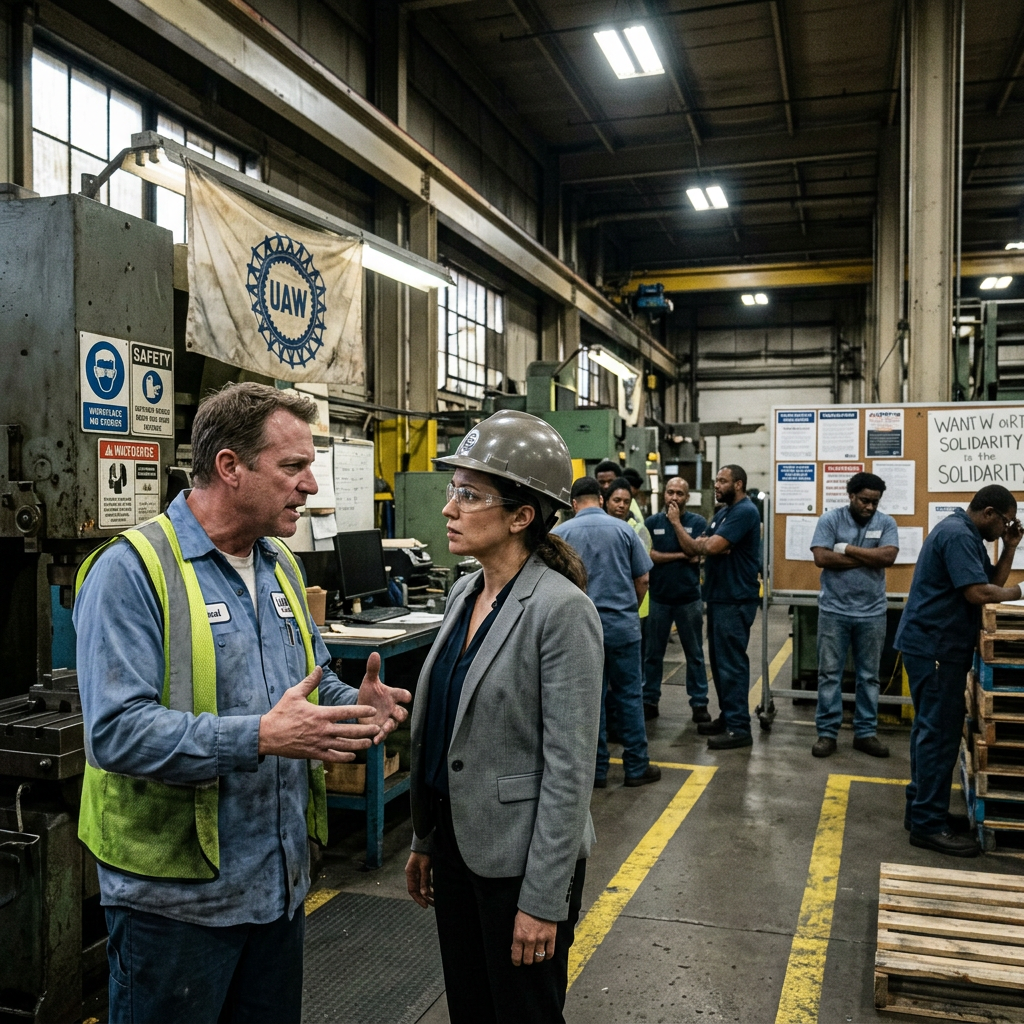
After the Incident: Rebuilding a Fractured Workforce at Crestline Manufacturing
A supervisor was fired for harassment. Then they found the one who covered it up. The workforce is divided and leadership wants to move on. It isn't ready.
Duration
90 min
Difficulty
Advanced
Stakeholders
3
Company Size
Medium (100-500)
Educational Video
If the video doesn't load, it may be restricted by the uploader.
Open on YouTubeOrganizational Background
Crestline is a 380-person precision parts manufacturer with a 45-year history and strong union presence. The culture has historically been clannish and loyalty-based. The harassment situation was an open secret for years. When it finally surfaced, the terminations were swift - but the organization skipped every step of the repair process. No acknowledgment. No space for grief. No process for employees who are processing betrayal. The new plant manager, brought in from outside, is under pressure to restore productivity and has little patience for 'emotional stuff.' HR is underpowered and overwhelmed.
Key Stakeholders
Learning Objectives
- Design post-incident recovery processes for organizations experiencing collective trauma
- Navigate competing loyalty structures within a unionized workforce
- Differentiate premature closure from genuine organizational repair
- Practice trauma-informed facilitation with polarized employee groups
- Develop phased intervention strategies in low-trust environments
Sign Up to Access This Scenario
Create a free account and get one free simulation to try PsychSim.
Host a Team Session
Click Host Team Simulation to create a session and receive a 6-character join code. Share the code with your teammates so they can join via Join Existing Session. At the end, a structured group debrief guide is generated for the team.
Instructor Monitoring
Instructors and admins have access to the Instructor Monitor in the sidebar. From there, you can view all live sessions, see the full conversation feed, send real-time notes to students, advance phases, and end sessions. To enable instructor access, an admin must set your account role to "instructor" in the User management section of the platform dashboard.