
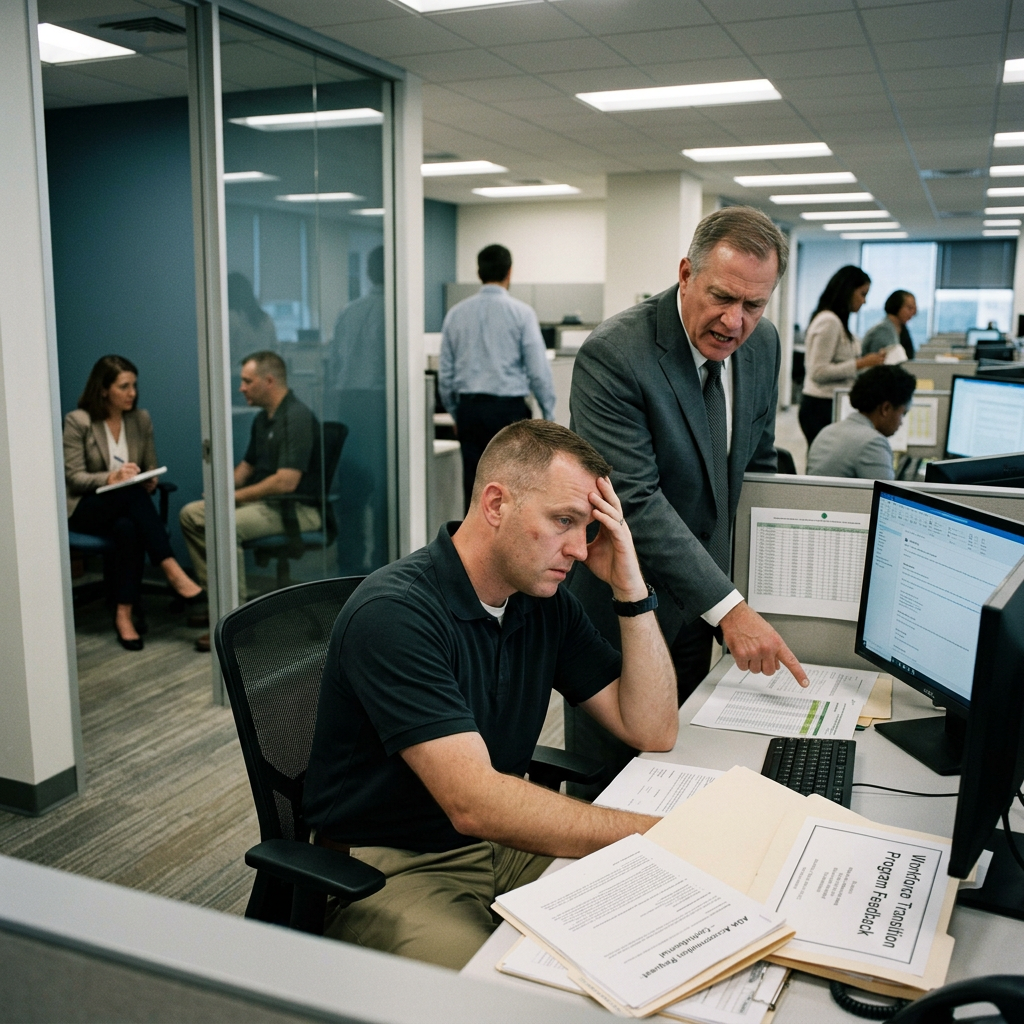
The Returning Workforce: Reintegration Crisis at Sentinel Defense Contractors
A defense contractor recruited veterans aggressively. They're leaving at twice the rate of civilians. The organization doesn't understand what it built.
Duration
80 min
Difficulty
Advanced
Stakeholders
3
Company Size
Medium (100-500)
Organizational Background
Sentinel Defense Solutions is a 520-employee government contractor specializing in logistics and technical services for military clients. Eighteen months ago, Sentinel launched a Veterans First hiring program to meet federal contractor obligations and access a talent pipeline. 140 veterans were hired across roles ranging from warehouse operations to project management. The onboarding program was compliance-focused, not transition-focused. Supervisors received no training on military-to-civilian culture translation, trauma-informed management, or accommodating invisible wounds. ADA complaints reference denied accommodations, public criticism during team meetings, and supervisors characterizing PTSD-related responses as 'attitude problems.' Three veteran employees have been terminated in the past six months for behavioral issues that appear to be unaddressed trauma responses.
Key Stakeholders
Learning Objectives
- Apply trauma-informed organizational frameworks to veteran workforce integration
- Assess the gap between compliance-based and trauma-aware people practices
- Diagnose structural failures in workforce transition programs
- Design recommendations that address organizational competency deficits
- Navigate politically sensitive stakeholder dynamics involving identity and military culture
Sign Up to Access This Scenario
Create a free account and get one free simulation to try PsychSim.
Host a Team Session
Click Host Team Simulation to create a session and receive a 6-character join code. Share the code with your teammates so they can join via Join Existing Session. At the end, a structured group debrief guide is generated for the team.
Instructor Monitoring
Instructors and admins have access to the Instructor Monitor in the sidebar. From there, you can view all live sessions, see the full conversation feed, send real-time notes to students, advance phases, and end sessions. To enable instructor access, an admin must set your account role to "instructor" in the User management section of the platform dashboard.