
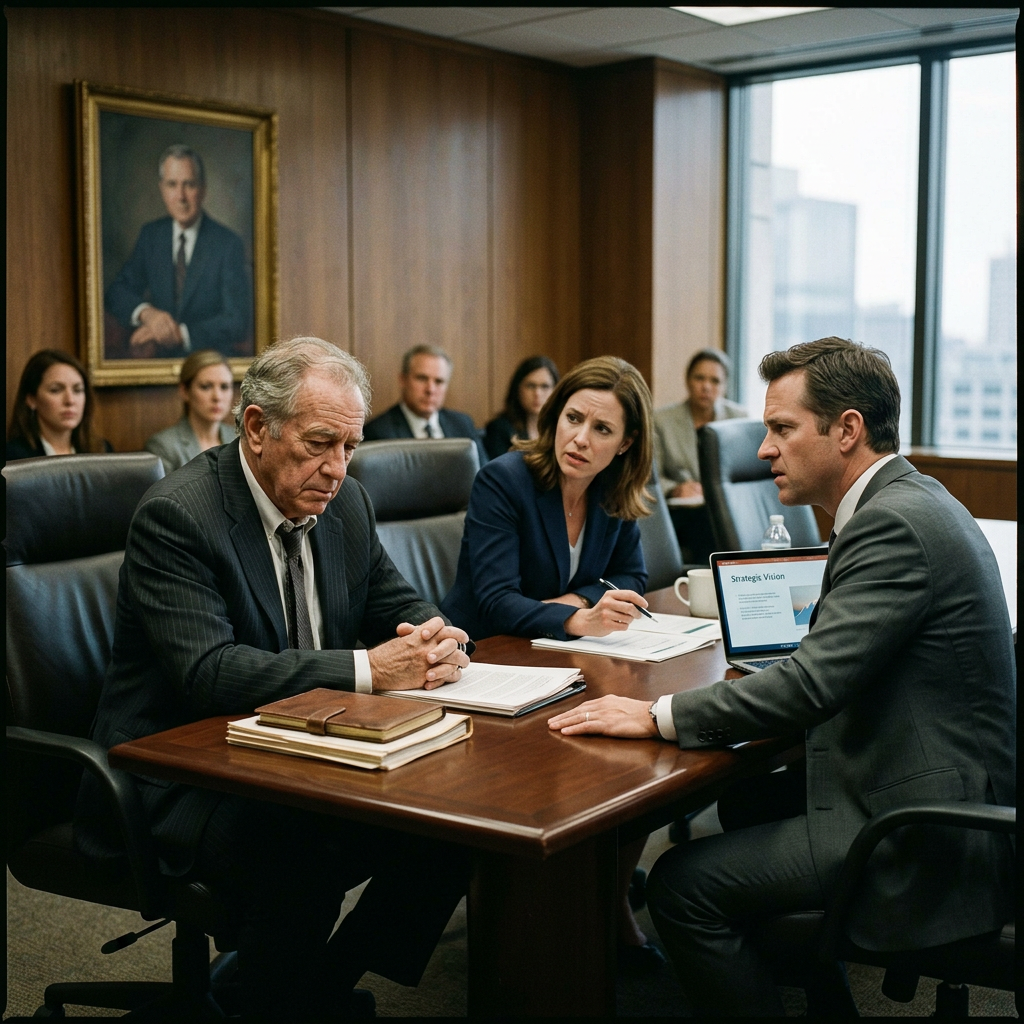
The Succession Trap: Leadership Pipeline Failure at Dunmore Family Enterprise
A family company's founder is retiring. No one is ready. Two siblings are positioning. Key executives are updating resumes. The board called you.
Duration
65 min
Difficulty
Beginner
Stakeholders
4
Company Size
Medium (100-500)
Organizational Background
Dunmore Distribution Group is a 280-employee food distribution company founded in 1971 by Walter Dunmore, now 74. The company has been profitable for 40 consecutive years and has never had an external CEO. Walter's two adult children - Carla Dunmore-Parks, VP of Sales, and Eric Dunmore, VP of Operations - both believe they are the obvious successor. Neither has ever been explicitly evaluated for the role. Non-family executives include a CFO who has been with the company 22 years and two regional managers who together manage 70% of revenue. The CFO has a standing offer from a competitor. The company has no formal succession plan, no leadership development program, and no documented criteria for the CEO role. The board - three family friends and the company attorney - has never run a CEO search.
Key Stakeholders
Learning Objectives
- Apply leadership assessment frameworks to succession planning contexts
- Navigate family system dynamics within an organizational change process
- Design objective evaluation criteria in politically charged environments
- Identify retention risks among non-family key executives during leadership transitions
- Develop succession recommendations that are organizationally sound and family-sensitive
Sign Up to Access This Scenario
Create a free account and get one free simulation to try PsychSim.
Host a Team Session
Click Host Team Simulation to create a session and receive a 6-character join code. Share the code with your teammates so they can join via Join Existing Session. At the end, a structured group debrief guide is generated for the team.
Instructor Monitoring
Instructors and admins have access to the Instructor Monitor in the sidebar. From there, you can view all live sessions, see the full conversation feed, send real-time notes to students, advance phases, and end sessions. To enable instructor access, an admin must set your account role to "instructor" in the User management section of the platform dashboard.