
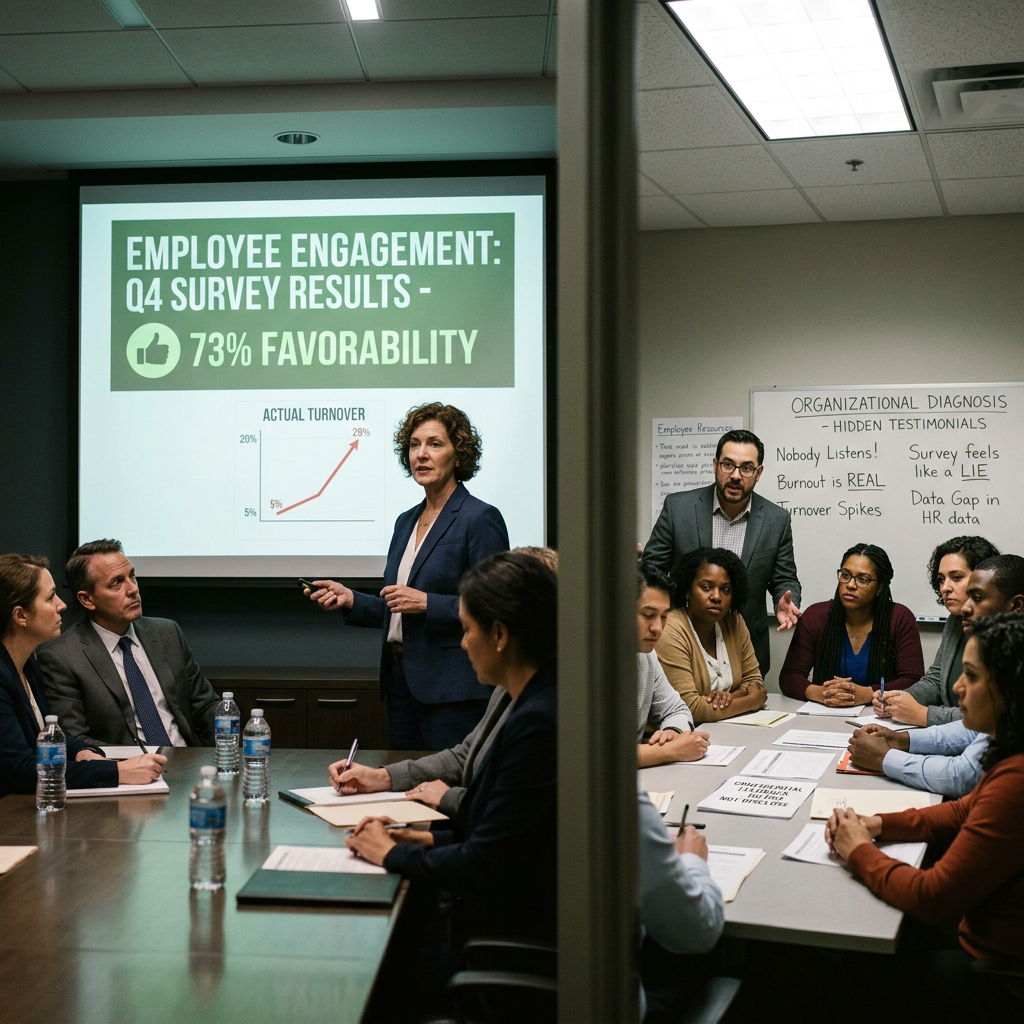
What the Survey Is Not Saying: Employee Engagement Analysis at DeltaWorks
Engagement scores are up. Turnover is up too. Leadership is celebrating. The employee resource groups are overflowing. Someone is telling the truth. Who?
Duration
70 min
Difficulty
Intermediate
Stakeholders
3
Company Size
Large (500-5000)
Organizational Background
DeltaWorks is an 1,800-employee industrial manufacturing company. The annual survey is administered by an external vendor and produces a single 'engagement score.' Response rate this year was 61%. Results are presented to senior leadership as aggregate scores with department-level breakdowns only when N > 25, which effectively makes all smaller teams anonymous in the rollup. The survey instrument has not been reviewed for psychometric quality since it was purchased in 2017. The VP of HR presents the results quarterly to the board as the company's primary people-health metric. None of the survey items have been validated against actual performance or retention outcomes. Meanwhile, the company's Black Employee Resource Group has been meeting informally with over 60 employees per session - the highest attendance in its history - and has submitted a formal request to meet with the CHRO that has gone unanswered for three weeks.
Key Stakeholders
Learning Objectives
- Evaluate the psychometric properties of an engagement survey instrument
- Identify the methodological limitations that produce misleading engagement data
- Distinguish between survey scores as organizational performance metrics vs. diagnostic signals
- Integrate quantitative survey data with qualitative organizational intelligence
- Design a more valid and actionable listening strategy for the organization
Sign Up to Access This Scenario
Create a free account and get one free simulation to try PsychSim.
Host a Team Session
Click Host Team Simulation to create a session and receive a 6-character join code. Share the code with your teammates so they can join via Join Existing Session. At the end, a structured group debrief guide is generated for the team.
Instructor Monitoring
Instructors and admins have access to the Instructor Monitor in the sidebar. From there, you can view all live sessions, see the full conversation feed, send real-time notes to students, advance phases, and end sessions. To enable instructor access, an admin must set your account role to "instructor" in the User management section of the platform dashboard.