
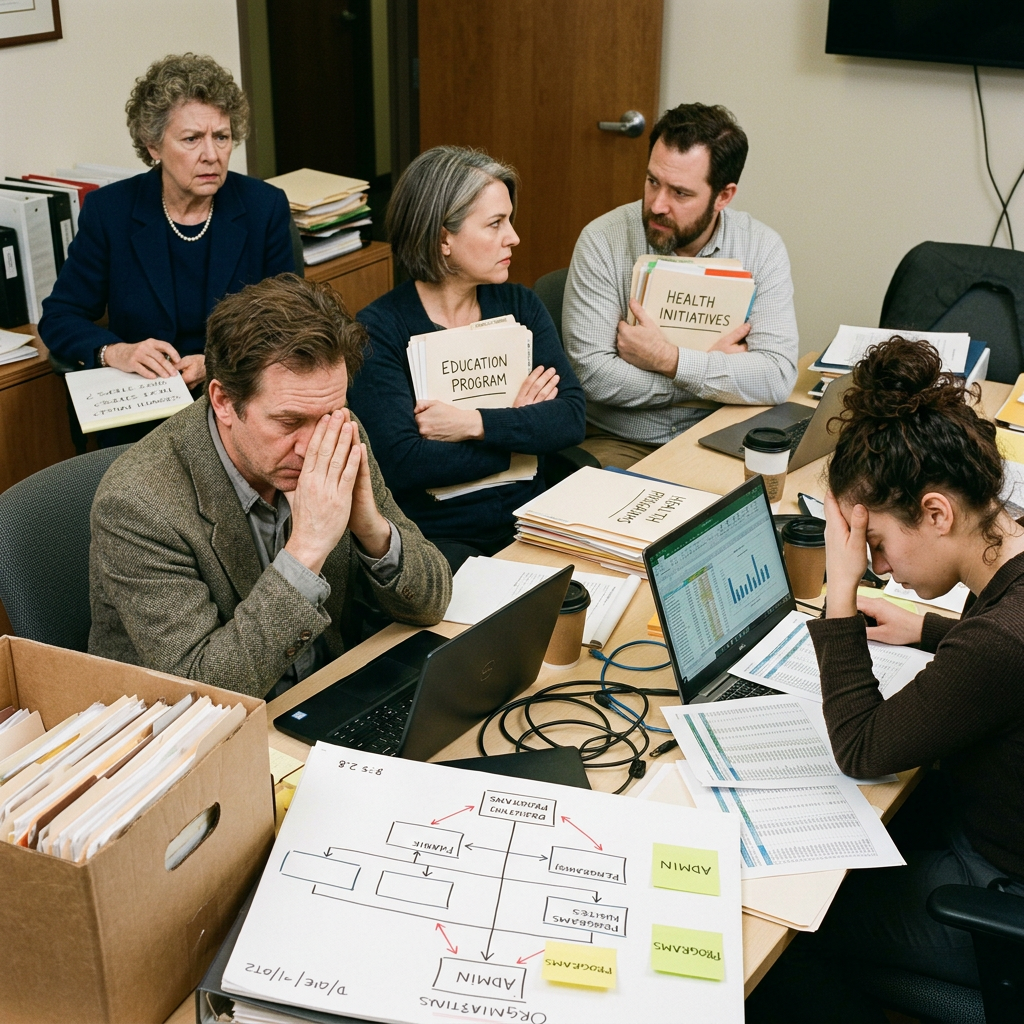
Designing for Mission: Restructuring a Nonprofit for Greater Impact at Horizon Foundation
A nonprofit tripled its work but kept the structure of a much smaller organization. Staff are burning out. The systems can't hold the scale.
Duration
70 min
Difficulty
Intermediate
Stakeholders
4
Company Size
Medium (100-500)
Organizational Background
Horizon Community Foundation is a philanthropic organization distributing $24M annually across 180 active grants in education, health equity, and economic mobility. Four years ago it managed $8M across 60 grants with 18 staff. Today it has 52 staff and the same organizational structure: three Program Directors who operate autonomously, a small operations team, and a Grants Management function that was never redesigned after the growth. The three Program Directors have built their own systems, hire independently, and rarely collaborate despite significant thematic overlap. The Grants Manager is managing 180 grants with two coordinators and a spreadsheet system that was designed for 60. Board meetings now run three hours longer than the agenda because the ED is trying to synthesize work from three independent silos. Eleven of 52 staff have been employed less than 12 months. Three grant recipients have flagged inconsistent communication from the foundation.
Key Stakeholders
Learning Objectives
- Apply organizational design principles to a nonprofit context with mission-driven constraints
- Diagnose the structural misalignment between an organization's current scale and its inherited design
- Balance the need for integration and standardization with programmatic autonomy and culture
- Design a phased restructuring plan appropriate to a resource-constrained environment
- Engage stakeholders across a siloed organization in a participatory design process
Sign Up to Access This Scenario
Create a free account and get one free simulation to try PsychSim.
Host a Team Session
Click Host Team Simulation to create a session and receive a 6-character join code. Share the code with your teammates so they can join via Join Existing Session. At the end, a structured group debrief guide is generated for the team.
Instructor Monitoring
Instructors and admins have access to the Instructor Monitor in the sidebar. From there, you can view all live sessions, see the full conversation feed, send real-time notes to students, advance phases, and end sessions. To enable instructor access, an admin must set your account role to "instructor" in the User management section of the platform dashboard.